
Features
From idea to finished build
Describe a building in a chat inside Minecraft Java. The Architect shows it as a ghost in your world, and you build it. Follow the path from idea to finished build.
- Works on any server
- Survival and creative
- Ghost and material list
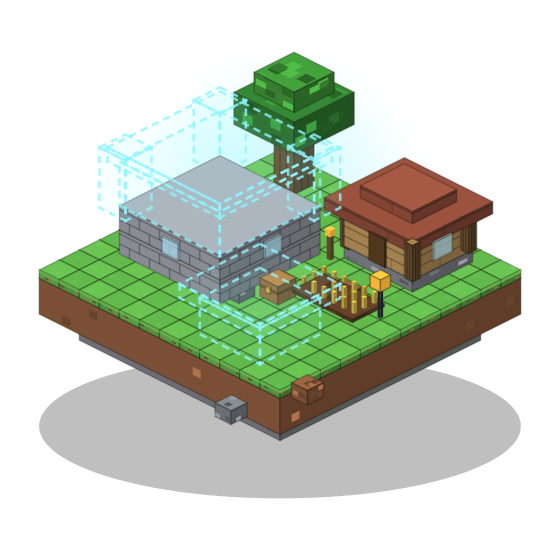
Start here
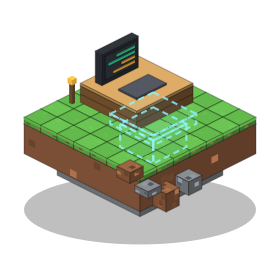
Ask in plain words
Press B in the game and describe what you want: a castle, a cottage, a harbor town. You can add a screenshot of your world or an idea. Turn screenshots off any time with
/screenshots off. Your messages, the part of the world needed for a design and screenshots go to the cloud; details are in the privacy policy.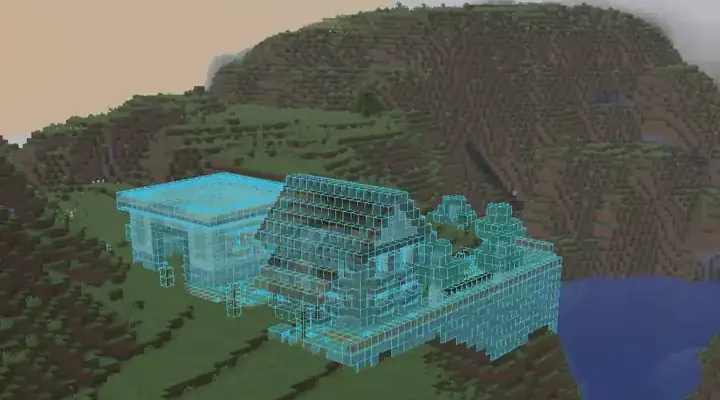
It reads your terrain
The Architect reads the terrain around you, so it can fit a build to a slope or a shoreline.
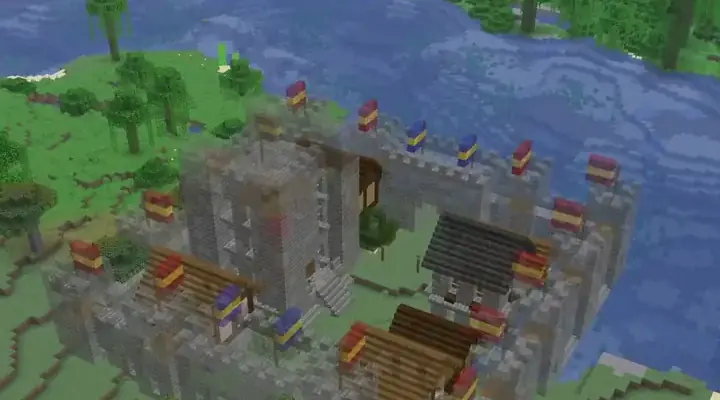
A ghost in your world
The design appears as a see-through Litematica schematic. You walk around it, look at it from every side and decide before you place a single block. Nothing is changed in your world. See the first build guide for the full walkthrough, and the builds for what it can make.
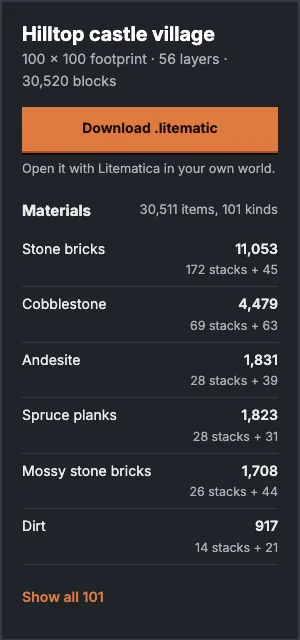
An exact material list
Every build comes with a material list counted in stacks. You see it in the game with
/materials, in a panel in the terminal, and in Litematica. Each of our example builds shows one too.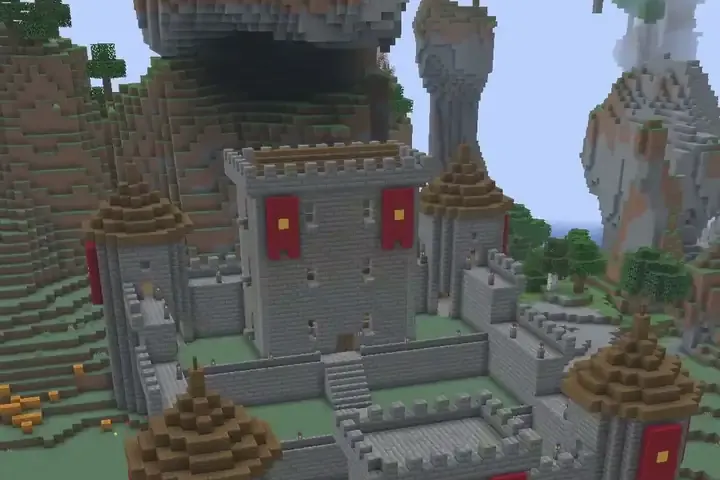
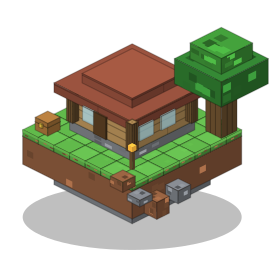
Build it in survival
You get the ghost and the list, and you build by hand. The survival guide shows a layer-by-layer workflow.
Or place it in creative
Place the whole build in one go with
/approve. The Architect saves an undo snapshot first, so/undorestores the area.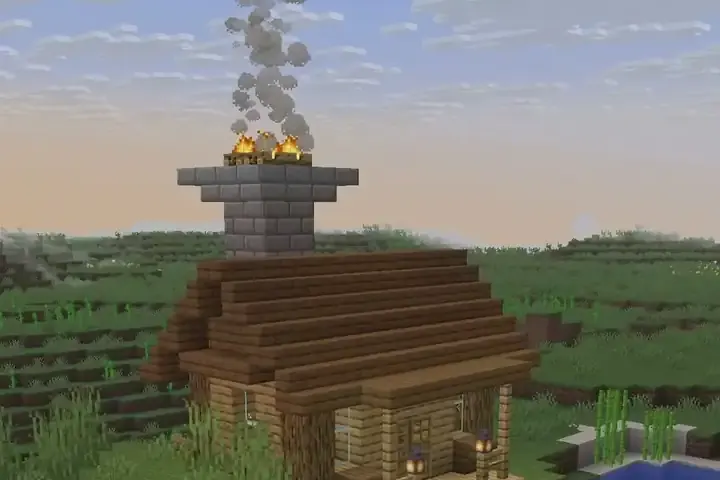
Change it, step back
Ask for a change and you get a new version. Step through them with
/undo,/redoand/versions, and keep several builds with/builds. Read edit and version your build.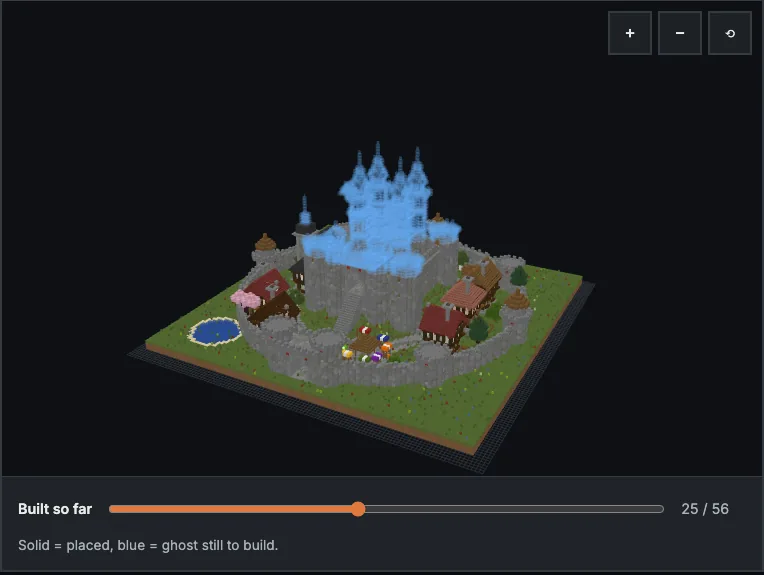
Studio in the browser
Design in your browser, turn the build around in 3D, then send it to the game or download a
.litematic. See Studio.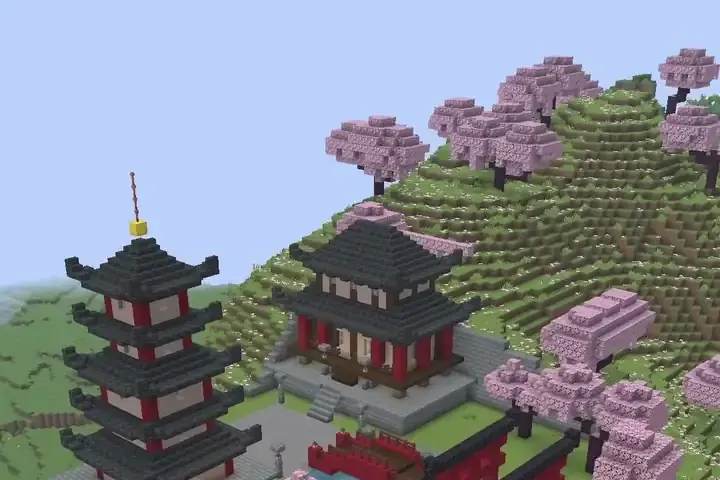
Styles, parts and memory
/style <name>builds in a style, and/style basematches your existing builds./partssplits a build into parts you can hide or show./remember <rule>stores a rule for this world, such as "always use spruce roofs".
Works on your setup
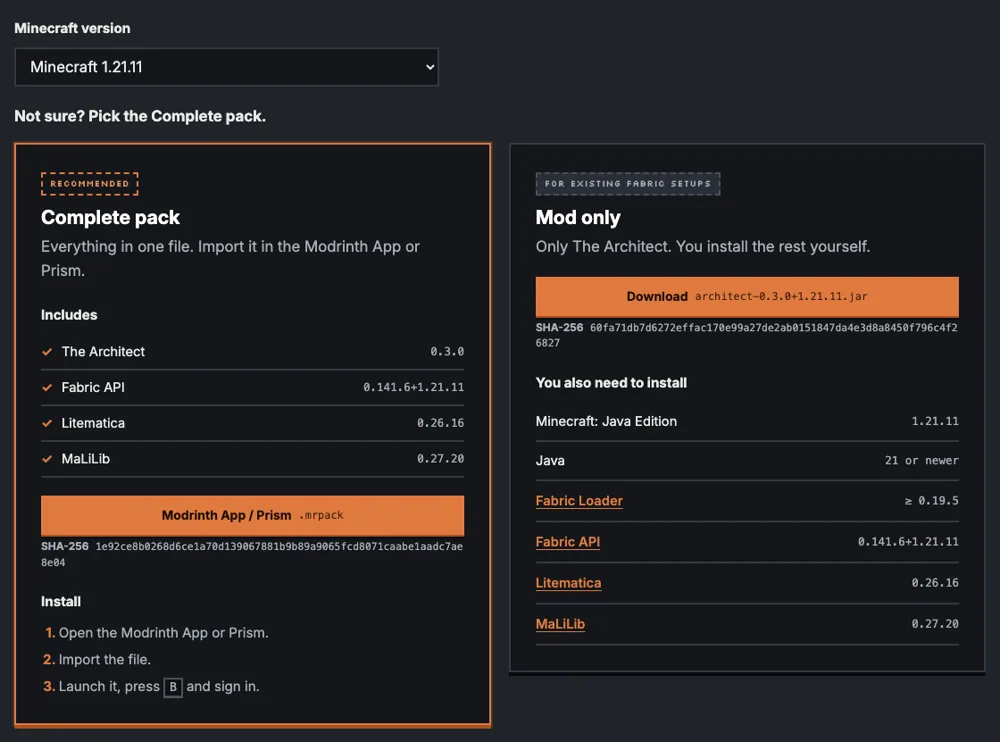
It runs on your own computer, so it works in singleplayer, on Aternos and on other servers with nothing to install on the server. See compatibility for the supported Minecraft versions.
Honest limits
The Architect can get a design wrong: a size, a block choice, a detail. Look at the ghost before you gather blocks. The material list itself is counted from the exact blocks in the design, so it always matches the ghost. Designing builds needs a plan, credits or your own key; see plans and credits.