
How to use Litematica
Litematica is a Fabric mod that shows a building plan as a see-through ghost in your world. It reads .litematic files. The Architect uses it to show you each design, and you can also use it on its own with any schematic. Menu names can differ a little between versions, so check Litematica's own pages if something looks different.
Install what you need
Litematica needs Fabric Loader, Fabric API and MaLiLib for your Minecraft version. The complete pack of The Architect already includes all of them. See the install guide.
Put the file in the schematics folder
Copy the .litematic file into the schematics folder of your game directory. If you use the Modrinth App or Prism Launcher, that is the folder of your profile. The Architect saves its exports to schematics/architect/.
Load it
Press M to open the Litematica menu and choose Load Schematics. Pick the file and load it as a placement. The ghost appears in the world, where you can move it.
Use the material list
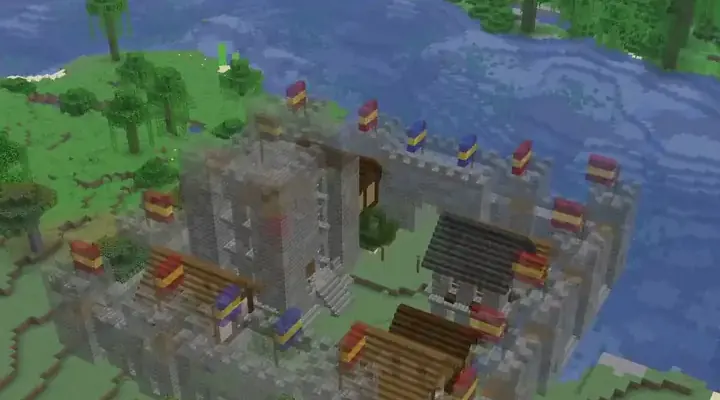
In the Litematica menu, open the Material List for the loaded placement. It counts every block in stacks, so you know what to gather. Try it with the Medieval Walled City, which lists 49 different blocks.
Build one layer at a time
Litematica can show a single layer or a range of layers, so you see only what to build next. Work from the foundation up. The survival guide has a full workflow.
Check with the Verifier
The Verifier compares your world with the ghost and marks missing or wrong blocks. Run it after each layer.
Get schematics
You can download schematics from the builds pages, or make your own by describing a build. Get the mod or open Studio.